Dirtbound controls
The public defaults are WASD or the arrow keys, Space for the handbrake, and a standard gamepad.
Default bindings
| Action | Keyboard | Gamepad | Status |
|---|---|---|---|
| Accelerate | W / Up | Right trigger | Official · 1 source |
| Brake / reverse | S / Down | Left trigger | Official · 1 source |
| Steer | A D or Left Right | Left stick or d-pad | Official · 1 source |
| Handbrake | Space | A | Official · 1 source |
| Pause | P, and Esc always | Start | Official · 1 source |
| Reset / restart lap | R | Select | Official · 1 source |
| Power-up | E or Enter | B / RB | Official · 1 source |
| Camera | C | Y | Official · 1 source |
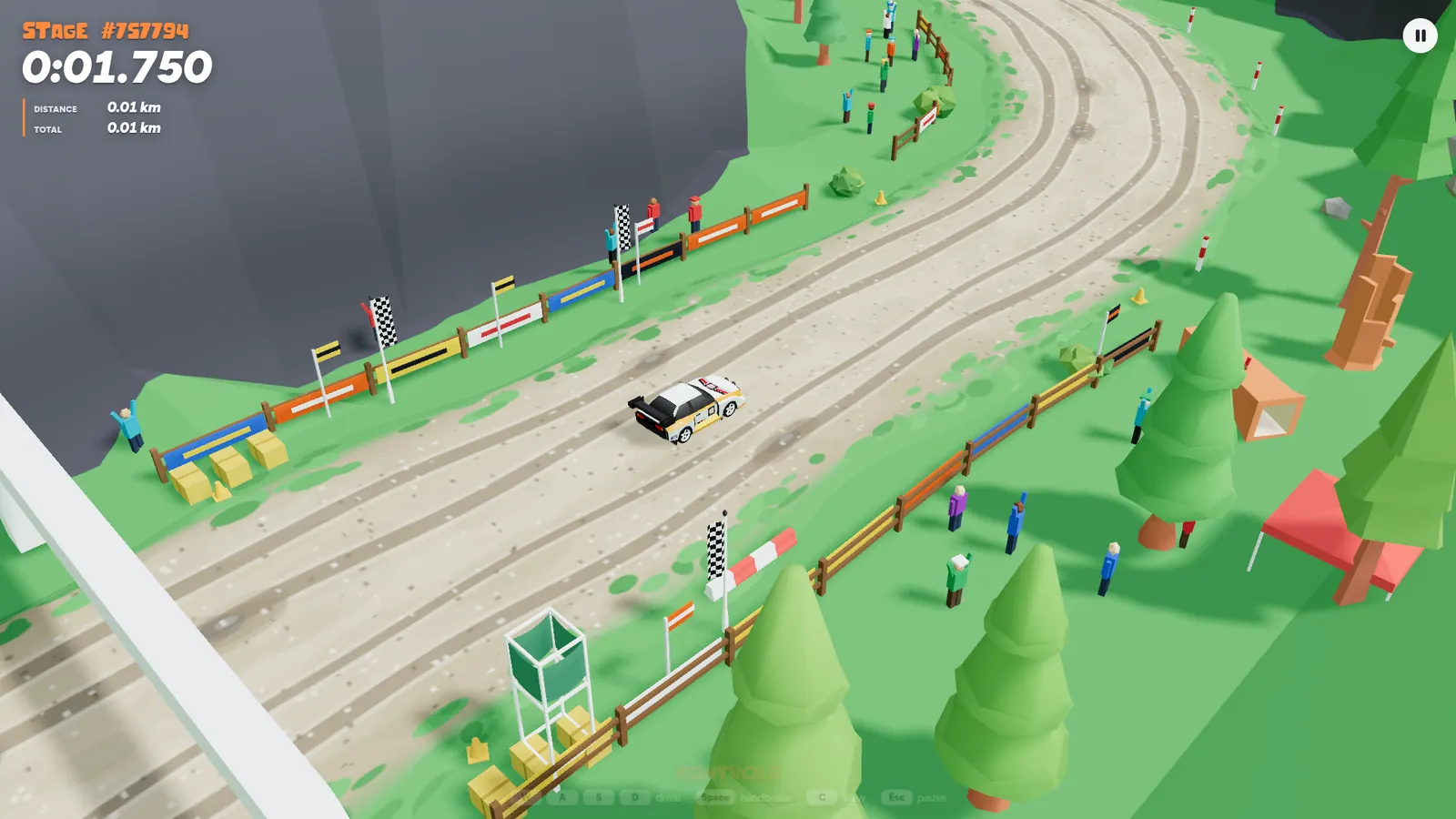
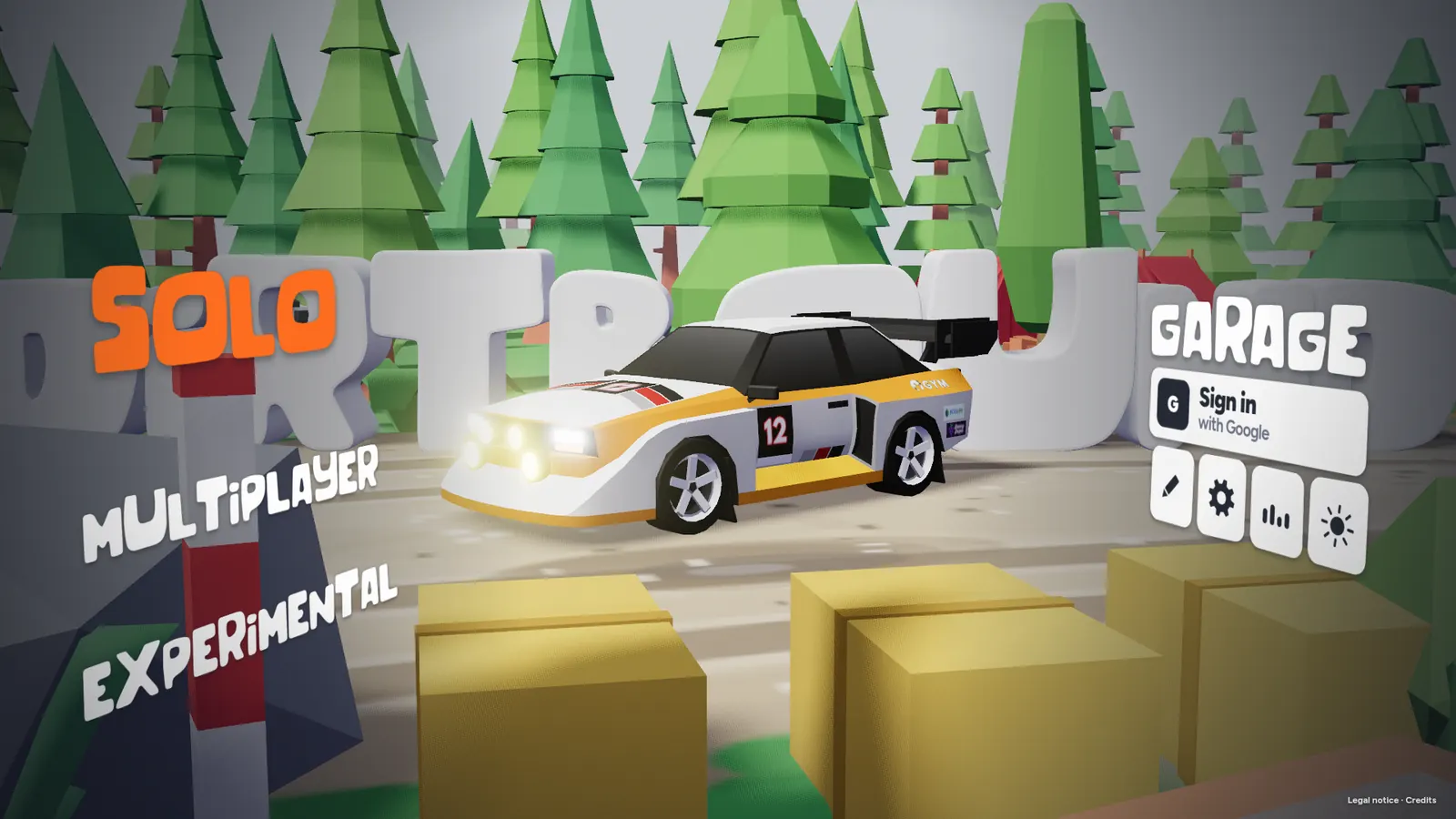
Bindings follow physical key positions, the same way a browser reports a key location. On an AZERTY keyboard the letter you see can differ from the label in the table, while the key’s place on the board stays put. Change them under Settings. There is no clutch, no gear shift, and no mouse steering in the default table.
If the keyboard does nothing
Click the game view first, leave any text field, and keep the game tab active. Esc always pauses, even if you rebind Pause. The stage screenshot provides a visual companion to the published defaults; the full table comes from the official settings and input code.
Gamepad and touch
- Connect the pad, open the game, then press one button so the browser notices it.
- The mapping is the standard gamepad layout. Button pictures can differ by pad.
- In menus, the d-pad moves, A confirms, and B goes back.
- In a multiplayer room, C only switches camera when the host set camera to Both.
- On a phone, hold and slide toward the way you want to turn. The car accelerates by itself. Landscape gives the game a wider viewport. That last tip is layout advice, not a rule in the public hint.
Back to the beginner guide or the platform page if you are on a phone. Loading and controller fixes collect the cases where the toast never appears.
Questions
Can I rebind keys?
Yes. Settings, then Controls. Click a binding, press the new key. Escape cancels. Backspace clears. Default keys restores the public defaults.
Does touch have pedals?
The public hint says you hold and slide, and the car accelerates on its own. I do not use the claim of on-screen pedal buttons, which disagrees with that hint.
Sources
Last checked 2026-11-03. I compared the public materials linked below. Official pages, source files, screenshots and the developer’s itch.io listing count as one publisher; a second independent publisher is named separately where available.